
Reporting the moment your first source lands.
As soon as sources are ingested and claims are captured, readiness is already tracked. Nothing to configure and no spreadsheet to keep current by hand.
Reporting stays connected to the real work: your claim library, source coverage, reviewer state, and every artifact and answer sent from it — decks, documents, and questionnaire responses.
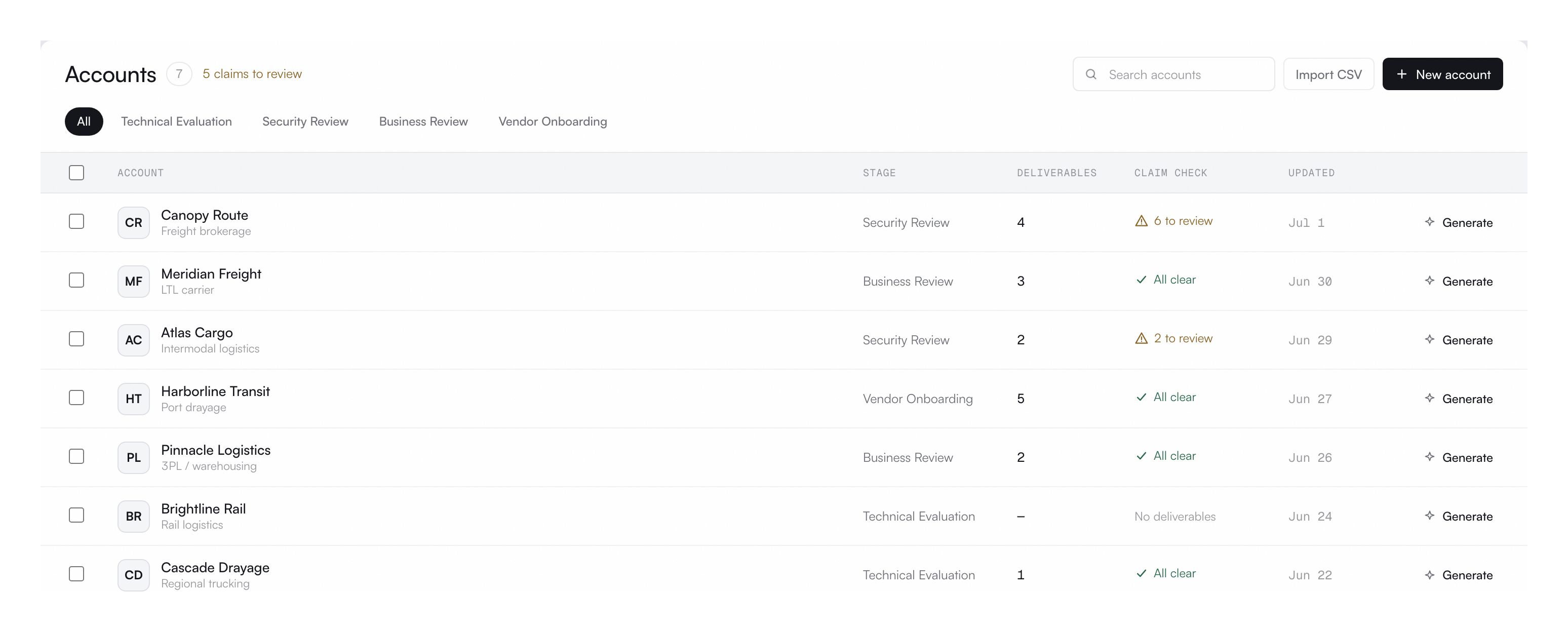
Reporting reflects the governed work underneath: source coverage, claim risk, reviewer state, and which artifacts and answers are cleared to send.
As soon as sources are ingested and claims are captured, readiness is already tracked. Nothing to configure and no spreadsheet to keep current by hand.
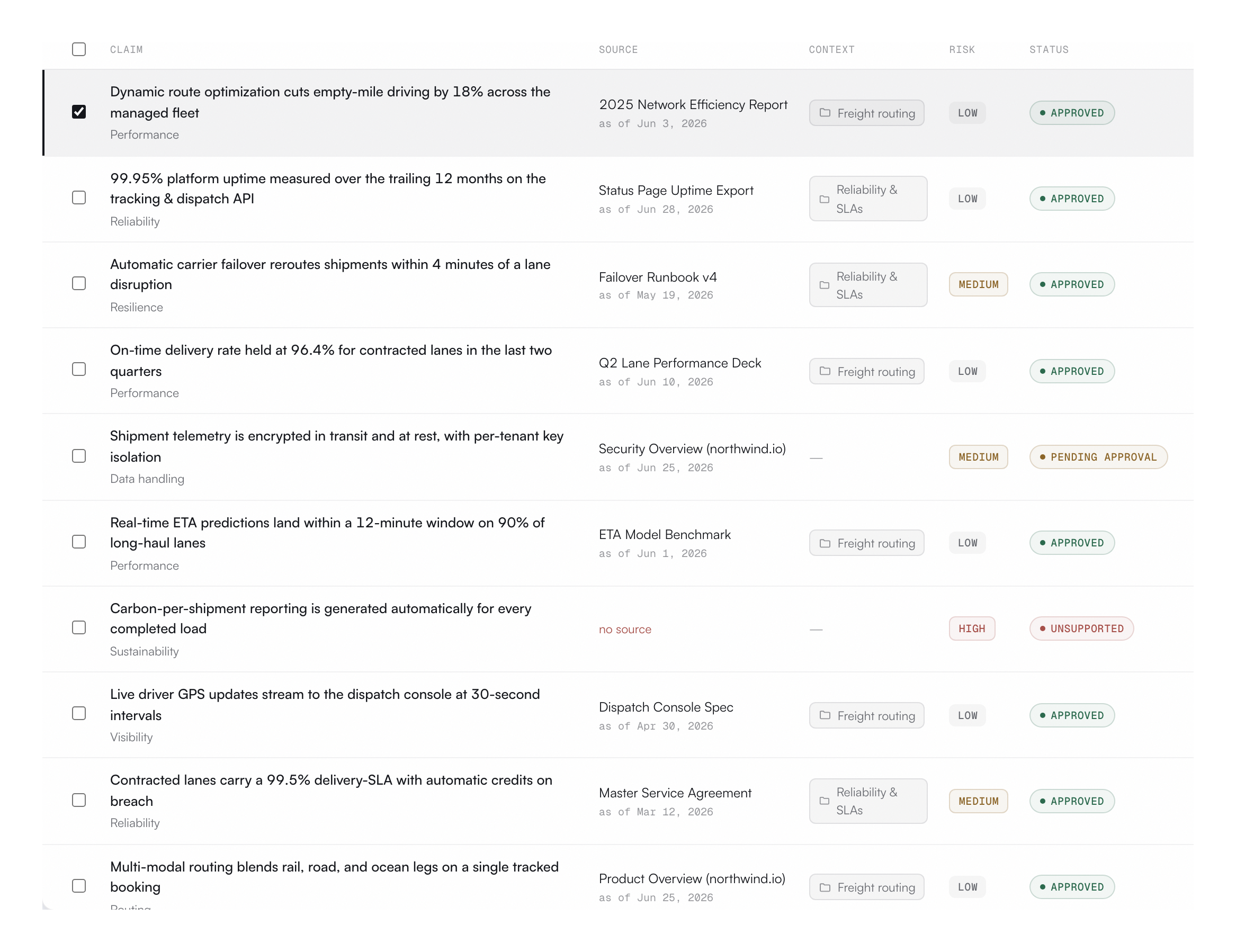
Drill from an account's readiness into the underlying claims, sources, reviewer decisions, and the artifacts they were sent in, so every status traces back to something approved.
Share account readiness with deal owners, reviewers, and leadership so everyone works from one live status instead of chasing the claim owner.
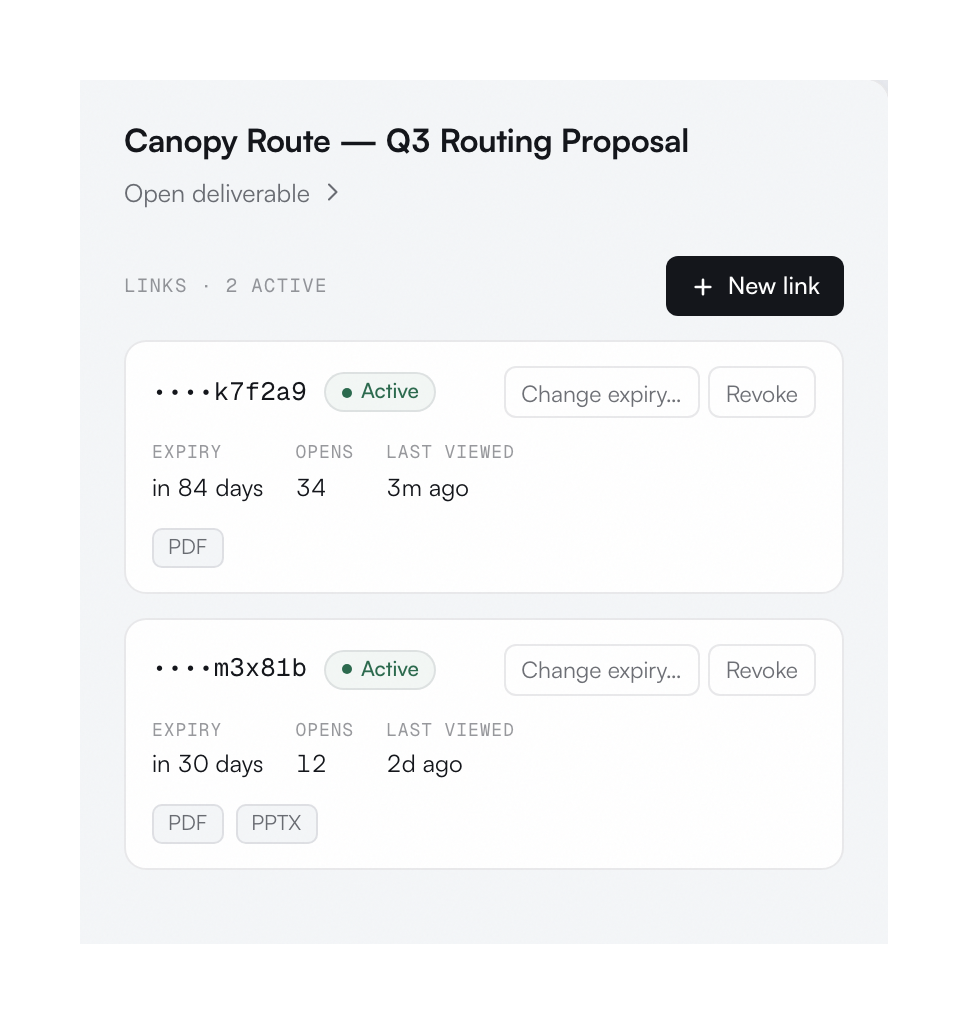
Reporting keeps every source, claim, review decision, and artifact status current, so readiness is a fact you can check, not a hunch.
Learn more about reportingReadiness updates as claims, sources, reviewers, and every artifact and answer move through the system.
Every unsupported claim shows the source gap, the artifact it affects, and the owner who needs to resolve it.
Ask where an artifact stands and get the status instantly: source coverage, claim risk, and send readiness.
Bring readiness, coverage, and artifact status into the tools your team already uses.
Pull account, claim, reviewer, and artifact status into a clean export for leadership and QBRs.
Export reporting dataSee sources, claims, reviewer decisions, accounts, and every artifact and answer sent together, without standing up a warehouse.
Explore data sources